
It is important to always lead our audience to focus on the key message in our presentation slide. This is easy if we only have one message per slide. In reality, most will have more than one message per slide making this a challenging task.
One simple solution is to use the red box (can be any colour). Draw a red box over the message (text, image, object, information) that you would like your audience to focus on at the point while you are presenting it. As you present, move the red box to the next message following the sequence of your presentation.
Doing this will also help you keep your eye contact with your audience. Instead of using a laser pointer to point at the message in question (which you will need to look at the slide to point accurately), the red box helps identify the message for your audience.
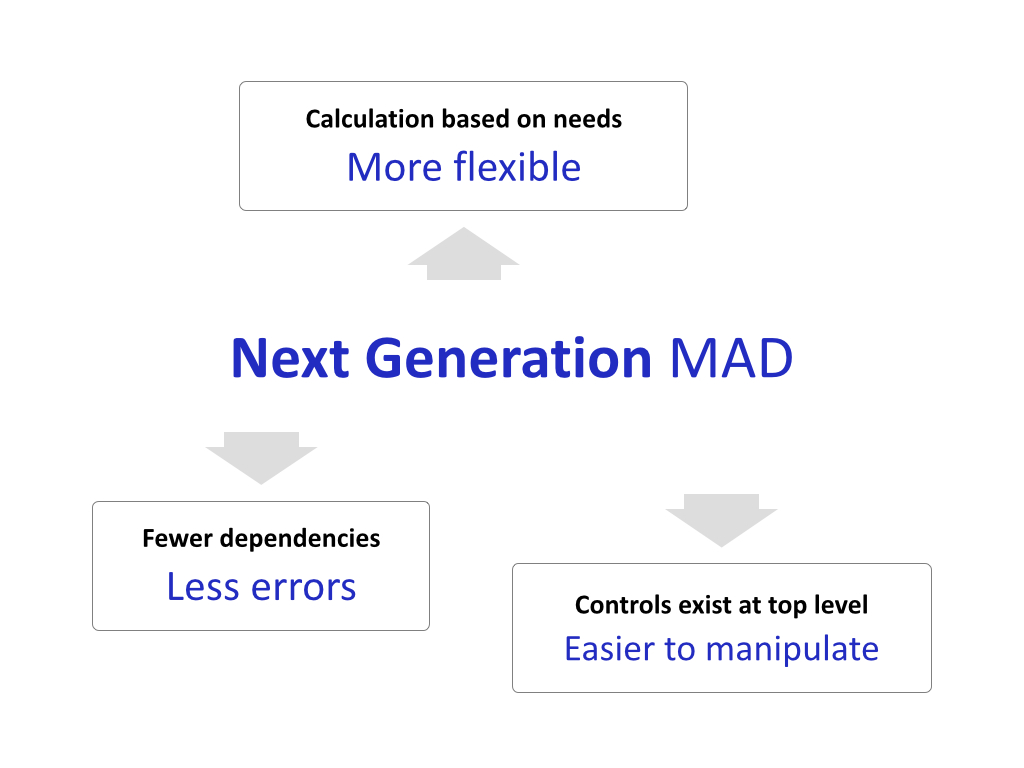
Fig 1: First slide shows the 3 things you will be speaking on.
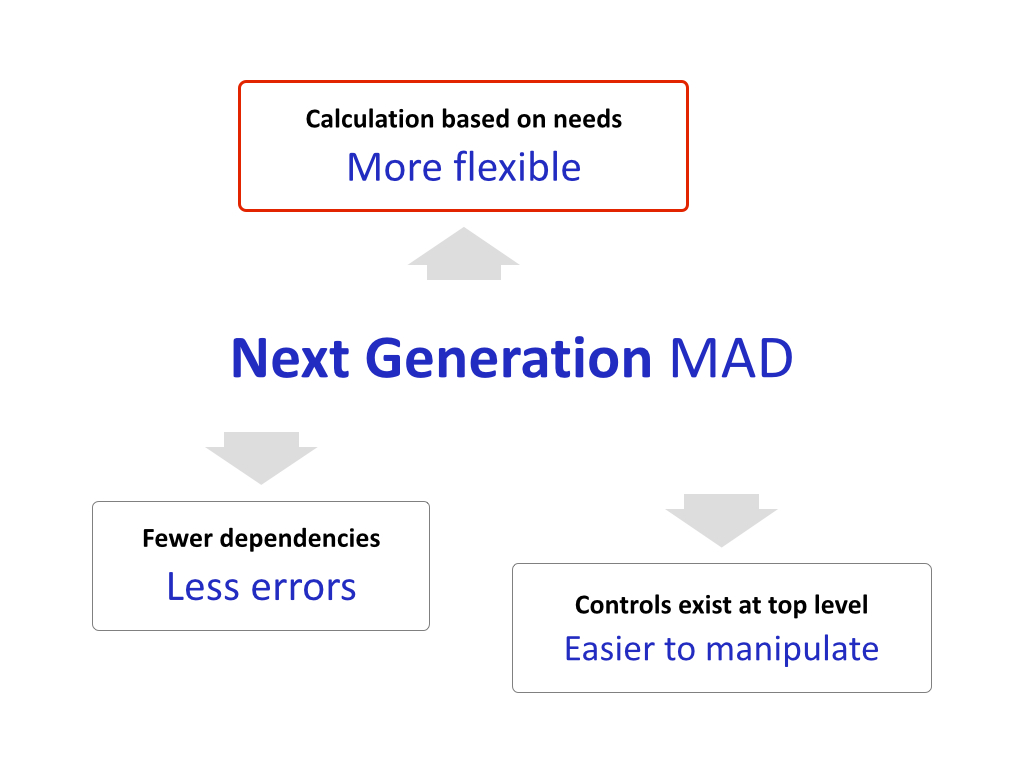
Fig 2: Next slide shows the RED BOX on the first item as you speak on that item. You can do this by duplicating the first slide and draw a RED BOX on the item you are speaking on.
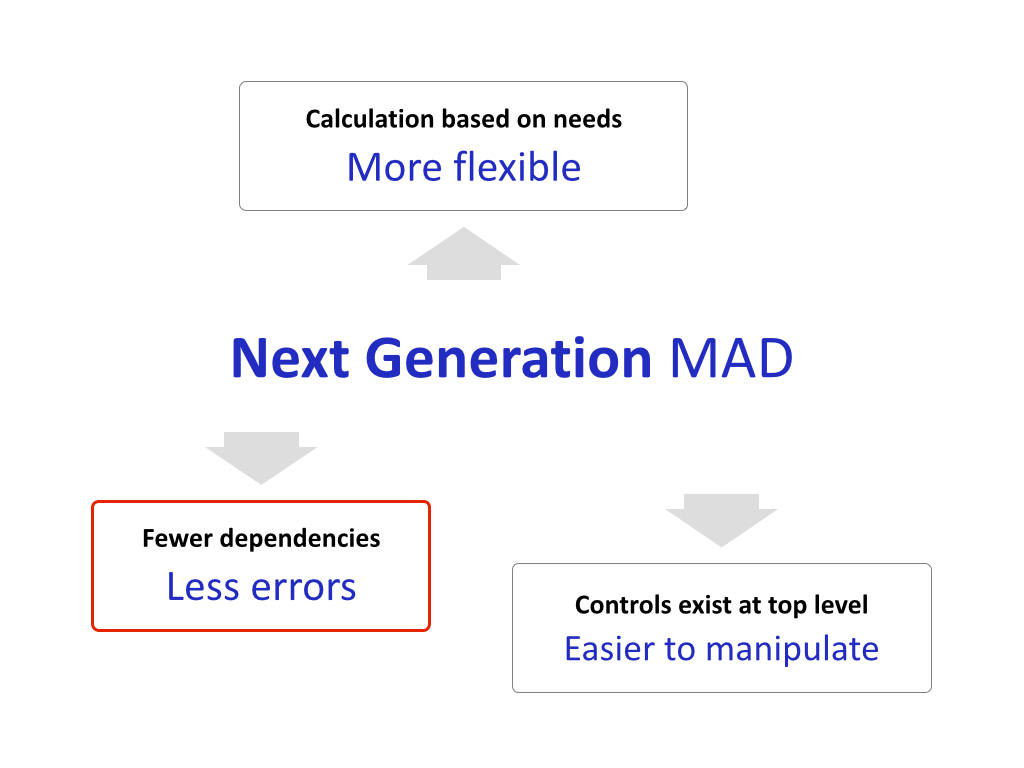
Fig 3: On the thrid slide, move the RED BOX to the next item that you will speak on. If you are familiar with object builts or animations in your presentation software, you can do all these on the same slide. Otherwise it is easier to just duplicate the slide and draw the RED BOX on each slide.
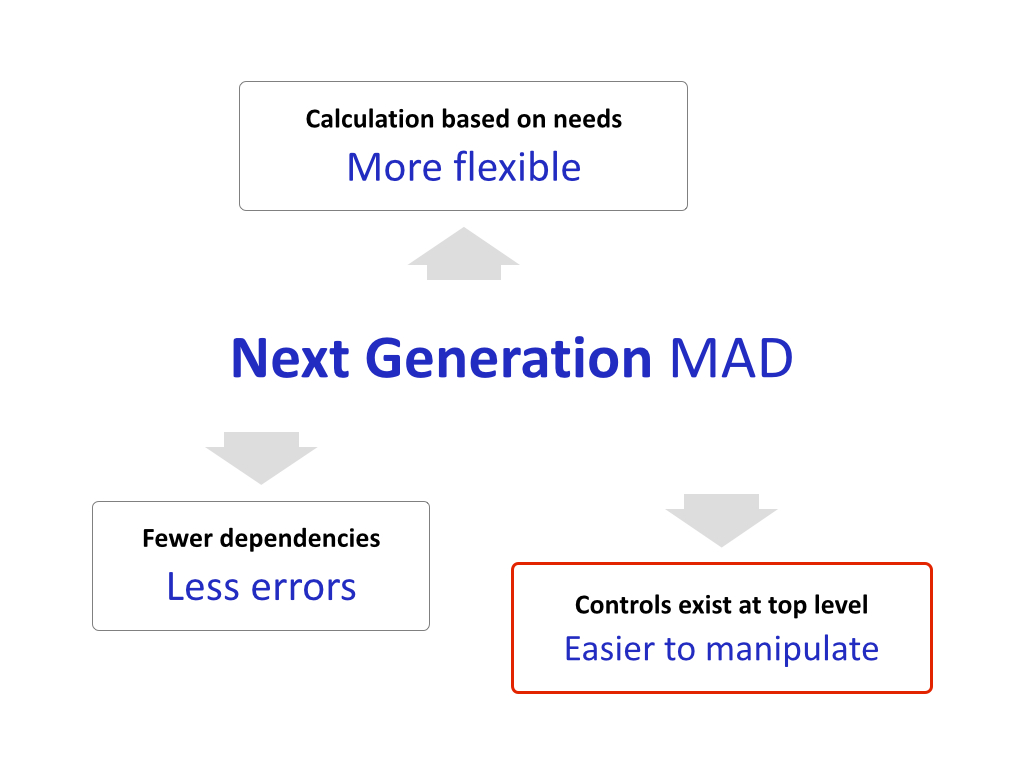
Fig 4: Finally, the RED BOX on the final item.
Give this a try. See if this helps you present better.


