When creating a presentation, many of us open PowerPoint and immediately begin adding words to slides. It feels productive because the presentation starts to take shape quickly. However, working directly in the software can also make us think one slide at a time instead of considering how the complete presentation should flow.
A planning tool that I often use before designing slides is a storyboard. It allows me to see the sequence of ideas, decide what each slide needs to communicate and explore how information could be represented visually before spending time on the finished design.
PowerPoint is excellent for producing slides, but it should not be responsible for deciding the story.
What is a presentation storyboard?
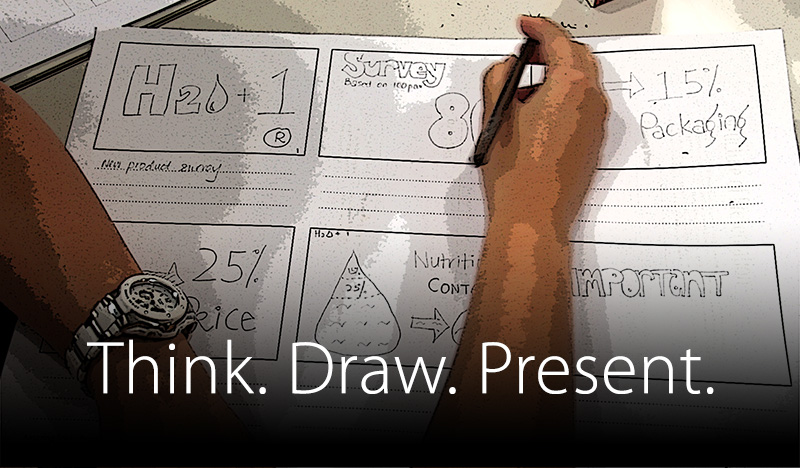
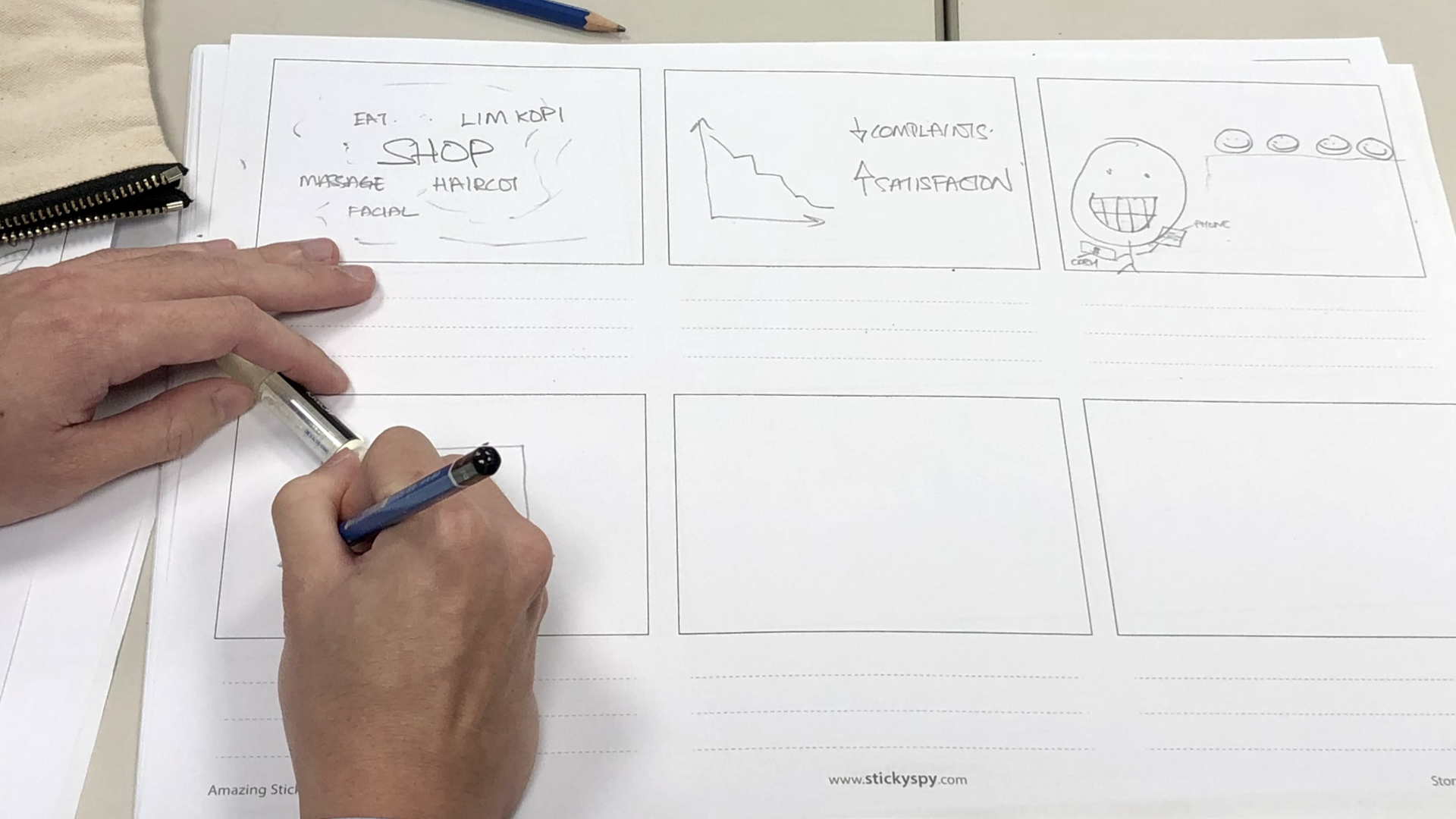
A presentation storyboard is a series of simple boxes representing the slides in a presentation. Each box records the purpose of a slide and may contain a few words, a rough sketch, a chart idea, an image reference or a note about what the presenter will explain.
The drawings do not need to be beautiful. A rectangle can represent a photograph, a few bars can represent a chart and an arrow can show movement or connection. The objective is not to produce finished artwork. It is to make the presentation's thinking visible.
Begin with the audience and the intended outcome
Before drawing the first box, consider who will be listening and what you want them to think, feel or do after the presentation. A presentation for senior management may require a decision. A training presentation may need participants to understand and apply a process. A sales presentation may need a prospective client to recognise a problem and see the value of a solution.
Write down the intended outcome in one sentence. This becomes a reference point for every idea that follows. If a slide does not help the audience move towards that outcome, ask whether it is necessary.
Identify the main message and supporting ideas
Next, decide on the main message of the presentation. Then list the ideas, evidence and examples needed to support it. At this stage, do not worry about slide layouts, fonts or colours. Concentrate on the reasoning.
Group related ideas together. You may discover that several points belong on one slide, one complex idea needs to be developed across several slides or a section contains information that does not contribute to the main message.
This separation between thinking and decoration is important. It prevents design decisions from hiding weaknesses in the content structure.
Arrange the ideas into a clear sequence
Place the ideas in an order the audience can follow. A useful sequence often begins with a situation or problem, develops the evidence, introduces an idea or solution and ends with a conclusion or action. Other presentations may follow a chronological, step-by-step or question-and-answer structure.
There is no single correct sequence for every presentation. The important question is whether one idea creates a natural reason for the next. If the transition between two storyboard boxes is difficult to explain, the presentation may be missing a connecting idea—or one of the slides may be in the wrong place.
Give every slide a clear purpose
Each storyboard box should answer a simple question: what does this slide need to help the audience understand?
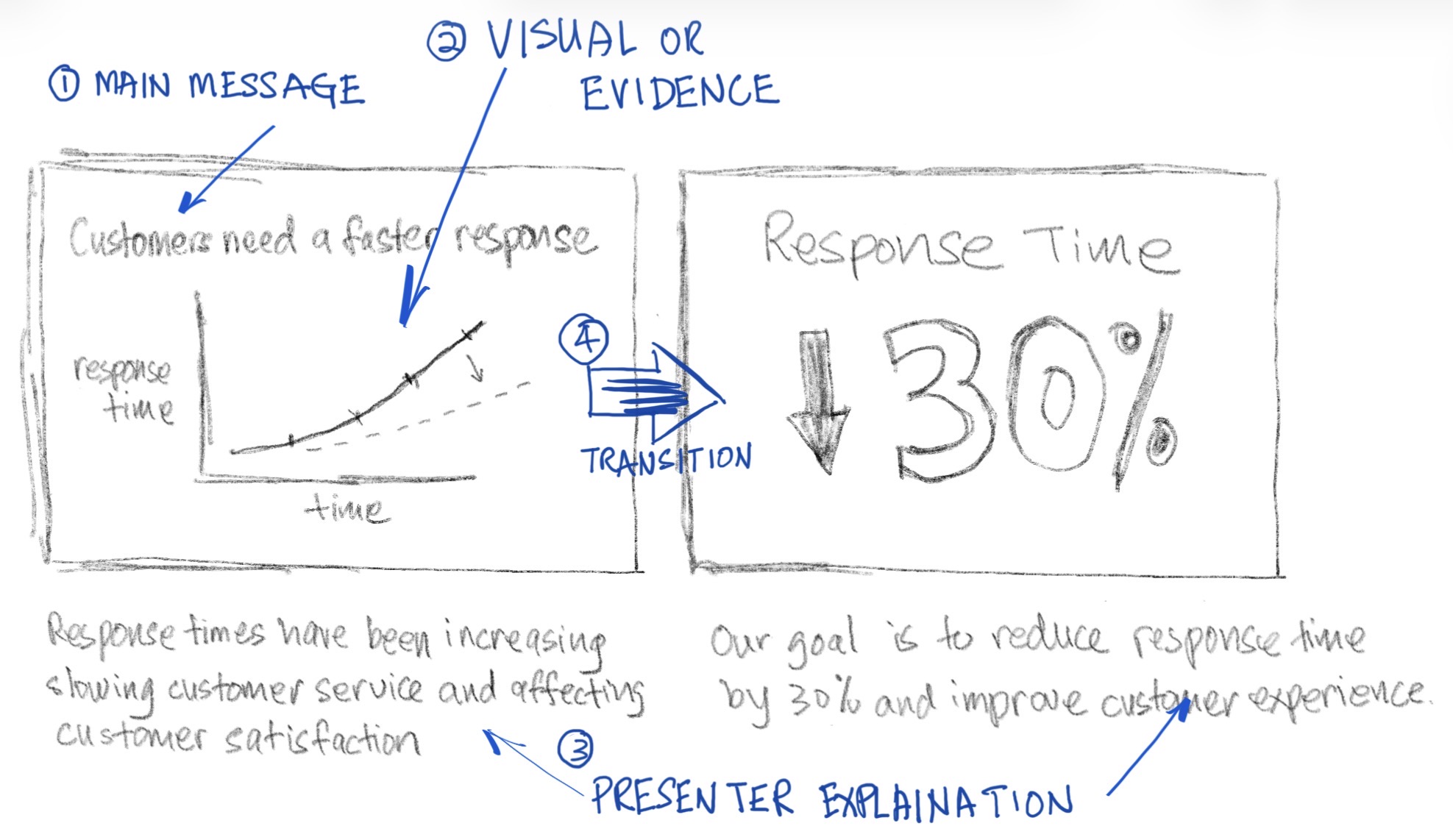
A useful storyboard box can contain four elements:
- Main message: the one point the slide needs to communicate.
- Visual or evidence: the photograph, chart, diagram, example or demonstration that supports the point.
- Presenter explanation: what should be spoken rather than placed on the slide.
- Transition: how this idea connects to the slide before or after it.
Not every box needs all four elements written out in detail. Even a few keywords and a rough visual cue can be enough to preserve the thinking behind the slide.
Sketch before you design
Once the purpose of a slide is clear, sketch how the audience might see the idea. A comparison could become two objects placed side by side. A process could become a sequence of steps. A trend could be represented by a simple chart. A personal experience may be better supported by a photograph than a paragraph of text.
Storyboarding helps us distinguish between what the audience needs to see and what the presenter needs to say. If an explanation belongs in the spoken delivery, it does not have to become a paragraph on the slide.
Rough sketches also encourage experimentation. Because little time has been invested in them, it is easier to discard a weak idea, combine two slides or try a completely different visual approach.
Review the complete presentation from a distance
One of the greatest advantages of a storyboard is the ability to see the whole presentation at once. Place the cards on a wall or table, or zoom out if you are working digitally. Look at the presentation as a connected journey rather than as a collection of individual slides.
This wider view can reveal:
- missing steps in the explanation;
- ideas that appear more than once;
- sections that are too long or too short;
- abrupt transitions between topics;
- too many slides using the same type of visual;
- a conclusion that does not resolve the opening question.
Moving a card takes only a few seconds. Rebuilding several finished slides after discovering a structural problem takes much longer. The time spent storyboarding often saves time later in the design process.
Use the storyboard to align a team
A storyboard is especially useful when several people are contributing to a presentation. It gives the team something visible to discuss before members begin producing separate slides.
Instead of debating fonts, colours or minor layout choices, the team can first agree on the audience, objective, sequence and evidence. Cards can be moved, combined or removed while everyone can still see how each decision affects the complete story.

Move into PowerPoint when the thinking is clear
The storyboard does not need to settle every design detail. It has done its job when the message, sequence and purpose of the slides are clear enough to begin production.
As you build the slides, the design may continue to evolve. A planned photograph may be replaced by a diagram, or two storyboard boxes may become one slide. These changes are part of the process. The storyboard provides direction without preventing better ideas from emerging.
You can storyboard with paper and sticky notes, on a whiteboard or with a digital drawing tool. The medium matters less than the ability to see, question and rearrange the presentation before polishing it.
Not every storyboard needs to be elaborate
A short presentation may require only a few boxes sketched on a sheet of paper. A longer or more important presentation may benefit from individual cards, detailed notes and several rounds of review.
Use enough detail to clarify your thinking, but do not turn the storyboard itself into another design project. Its value comes from making ideas easier to organise and revise.
A practical storyboard checklist
Before you begin designing the finished slides, ask:
- Is the audience and intended outcome clear?
- Can the main message be expressed in one sentence?
- Does every slide have a useful purpose?
- Does each idea lead naturally to the next?
- Is anything missing, repetitive or unnecessary?
- Have I decided what should be shown and what should be spoken?
- Do the proposed visuals support the message?
- Does the conclusion deliver the outcome established at the beginning?
A storyboard is more than a collection of rough drawings. It is a way to think through the presentation before design decisions become expensive to change. Plan the communication first, then use PowerPoint to turn that plan into clear and purposeful slides.


